10 Best Church Management Software in 2026
Pricing, ratings, and features compared for every congregation size

Managing a congregation involves much more than Sunday services. Church leaders track attendance, coordinate volunteers, manage donations, and communicate with hundreds or thousands of members, often with a small staff and limited budget. Church management software (ChMS) centralizes these operations so your team can spend less time on administration and more time on ministry.
This guide covers the 10 best church management platforms in 2026, based on real pricing, feature depth, user ratings, and fit for different congregation sizes. Whether you lead a small parish or a multi-site church, there is an option here.
How We Evaluated
Each platform was reviewed across five criteria: member database and attendance tracking, giving and donation management, communication tools, mobile accessibility, and value for the price. Ratings are drawn from Capterra, G2, and app store reviews. Pricing reflects publicly listed rates as of April 2026.
#1. ChMeetings
Rating: 4.9/5 (Capterra and G2) | Pricing: Free plan available | Paid plans scale with congregation size | Free data migration included
Best for: Churches that want a complete, easy-to-use system without relying on multiple tools
ChMeetings stands out as one of the most complete church management platforms available, combining people management, giving, communication, events, and built-in accounting in a single system. More than 7,000 churches and ministries worldwide rely on it daily to manage their operations with simplicity and clarity.
Unlike many platforms that separate features into modules or require third-party integrations, ChMeetings keeps everything connected in one place. Member data, giving, events, communication, and finances all work together seamlessly, eliminating the need for disconnected tools and manual processes.
The platform is designed for real church teams, not technical users. Volunteers and staff can get started quickly with minimal training, while leaders still have access to detailed reporting and insights as the church grows.
A key advantage is the built-in accounting system, which allows churches to manage funds, budgets, transactions, and financial reports directly inside the same platform. This removes the need for separate accounting software and keeps financial data fully aligned with giving and operations.
ChMeetings also offers a free plan with essential features and affordable paid tiers that scale with church size, making it accessible for both small churches and large ministries without forcing an early financial commitment.
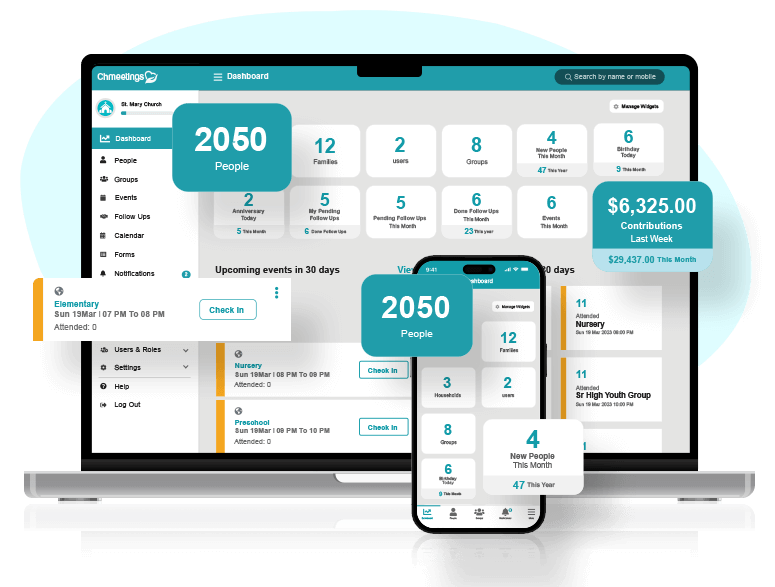
Key features
Member database with custom fields and family groupings
Attendance tracking for services and events
Giving and donation management with detailed reporting
Event management and shared calendar
Communication tools including email, SMS, and push notifications
Built-in accounting with fund tracking, budgeting, and financial reports
Volunteer scheduling and worship planning
#2. Planning Center
Rating: 4.7/5 (Capterra (1,137 reviews)) | Pricing: Free basic tier per module | Paid tiers scale with congregation size | Transaction fee applies to online giving
Best for: Mid-size to large churches that need modular, integrated tooling
Planning Center is structured as a suite of independent modules: People, Services, Giving, Check-Ins, Groups, Registrations, and Publishing, each available separately. More than 100,000 organizations use it, and the Services module is widely considered the best worship planning tool available.
The modular approach lets churches start with what they need and add functionality over time without switching platforms. The deep integration between modules: member data flows into giving records, group membership, and check-in history automatically This integration is the core strength. Churches that grow into the full suite get one connected system, not a patchwork of disconnected tools.
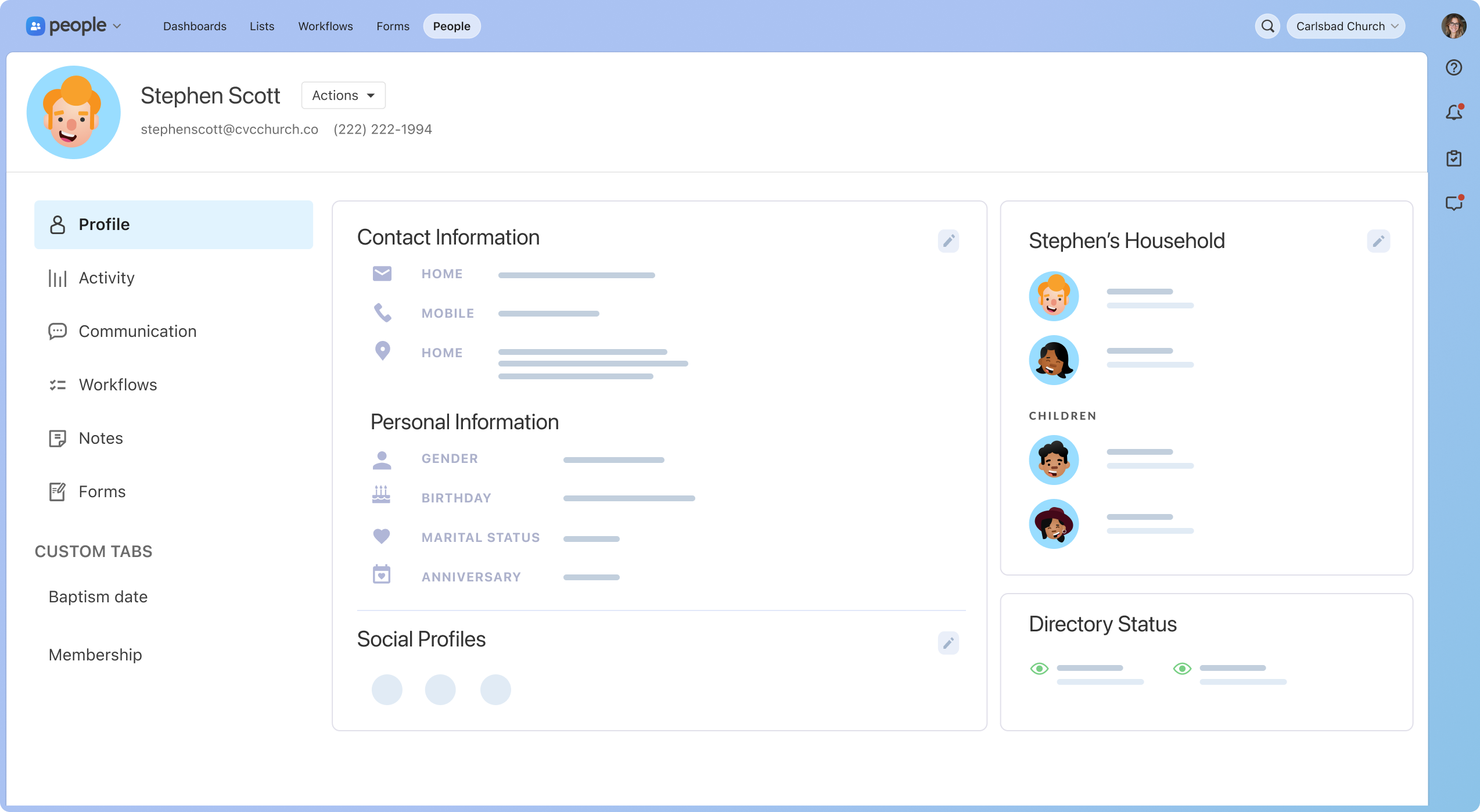
Key features
People: member CRM with custom fields and household management
Services: worship scheduling with song library and rehearsal tools
Giving: online and in-person donation management
Check-Ins: family check-in with label printing
Groups: small group management and communication
Registrations: event signups and ticket sales
#3. Breeze ChMS
Rating: 4.8/5 (Capterra) | Pricing: Free plan available | Flat-rate monthly subscription | Higher tier adds app and giving bundle
Best for: Small to medium churches wanting a fast, non-technical setup
Breeze, now part of the Tithely family of products, serves more than 50,000 churches and consistently earns praise for its simplicity. New teams typically get fully operational within a single day.
Breeze ChMS focuses on doing core functions well: member tracking, attendance, giving, and communication. The interface is built for non-technical users; volunteer staff and administrators with no software background can navigate it without training. The Tithely acquisition expanded the platform with app capabilities and deeper giving tools without adding interface complexity.
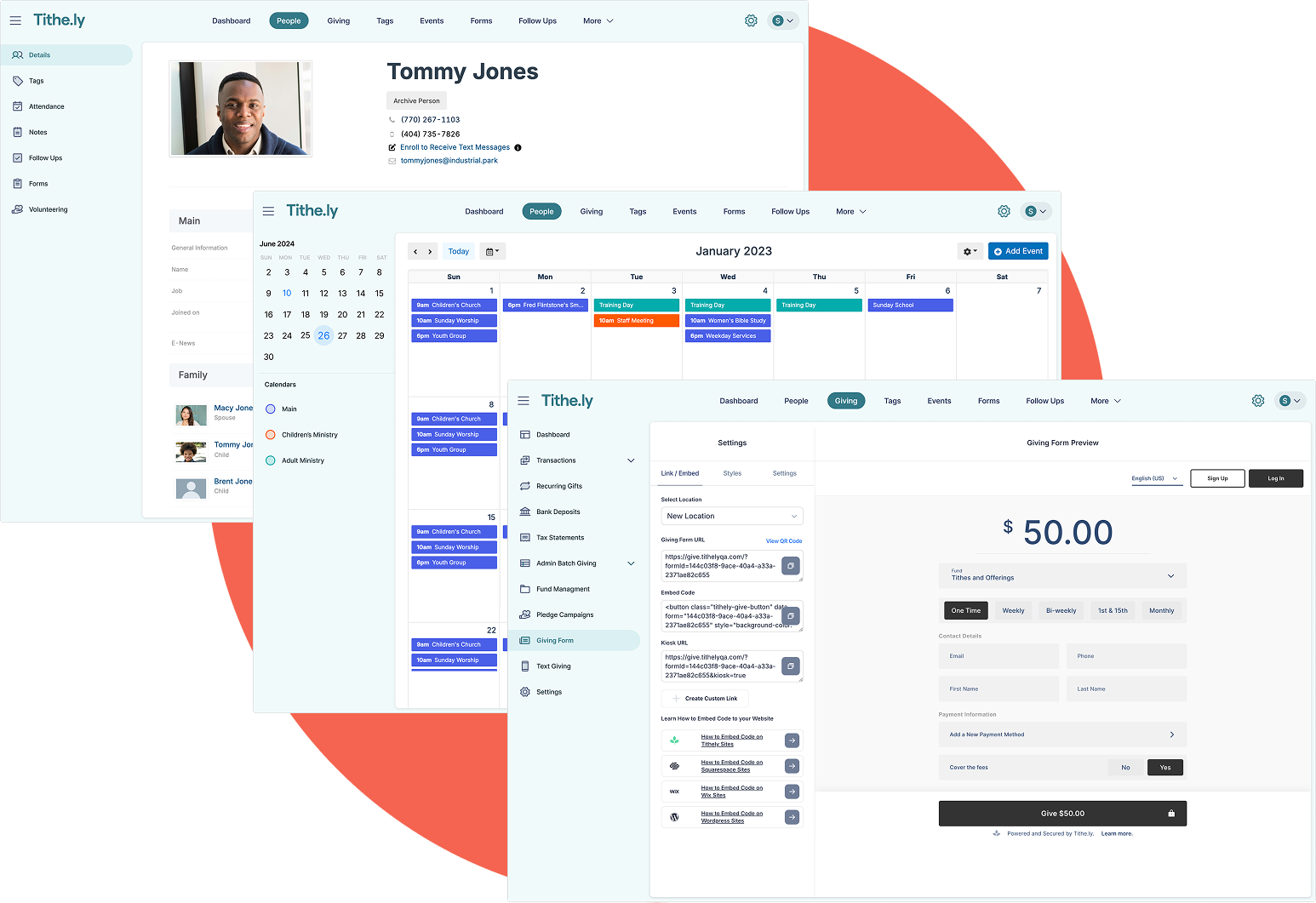
Key features
Member profiles with family groupings and tags
Attendance tracking with quick-entry kiosk mode
Online giving with recurring donation support
Event registration and communication
Text messaging and email campaigns
Reporting and exportable giving statements
#4. Realm
Rating: 4.3/5 (Capterra) | Pricing: Three subscription tiers (Connect / Multiply / Thrive) | One-time setup fee | Scales with congregation size
Best for: Medium to large churches with complex accounting and small group needs
Realm is developed by ACS Technologies, one of the longest-established names in church software. It combines member management with a congregation-facing mobile app called Realm Connect, letting members view their giving records, register for events, and connect with groups directly.
The accounting integration is the standout feature: Realm connects directly with ACS's fund accounting software, making it the right choice for churches that need tightly integrated financial reporting. The Thrive tier adds pastoral care tracking, background check integration, and enhanced analytics. Churches in the ACS ecosystem will find the migration path is direct.
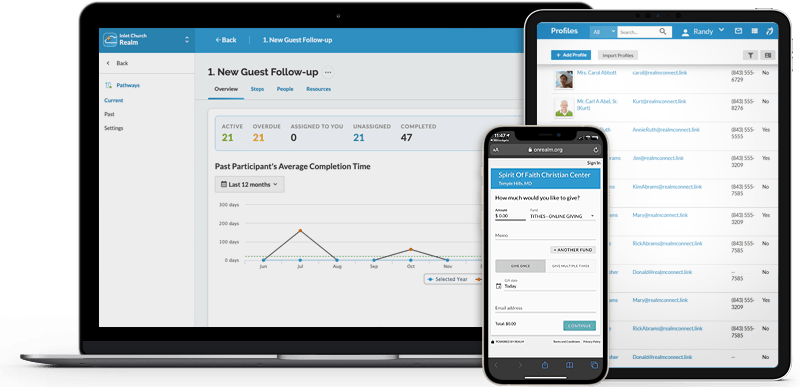
Key features
Member CRM with household and family management
Member-facing Realm Connect mobile app
Small group management with attendance tracking
Integrated giving and pledge campaign tools
Event registration and volunteer tracking
Background check integration (Thrive tier)
#5. ChurchTrac
Rating: 4.8/5 (Capterra (863 reviews)) | Pricing: Monthly subscription | Tiered by congregation size | Among the most affordable on this list
Best for: Small churches on tight budgets
ChurchTrac is the most affordable fully featured platform on this list. Its top subscription tier covers an unlimited number of members at a price that undercuts every competitor and is the clear choice for budget-constrained congregations.
More than 14,000 churches use ChurchTrac, and the platform holds strong ratings despite its low price point. It covers the full church management stack: member records, attendance, giving, events, and communication. The check-in kiosk feature , a feature typically reserved for more expensive platforms, included at every tier.
Key features
Member database with customizable fields and families
Attendance tracking for services and events
Online and in-person giving management
Check-in kiosk included at all tiers
Email and SMS communication tools
Reporting and printable giving statements
#6. TouchPoint
Rating: 4.5/5 (Capterra) | Pricing: Enterprise pricing | Contact for quote
Best for: Large churches and multi-site congregations with complex ministry structures
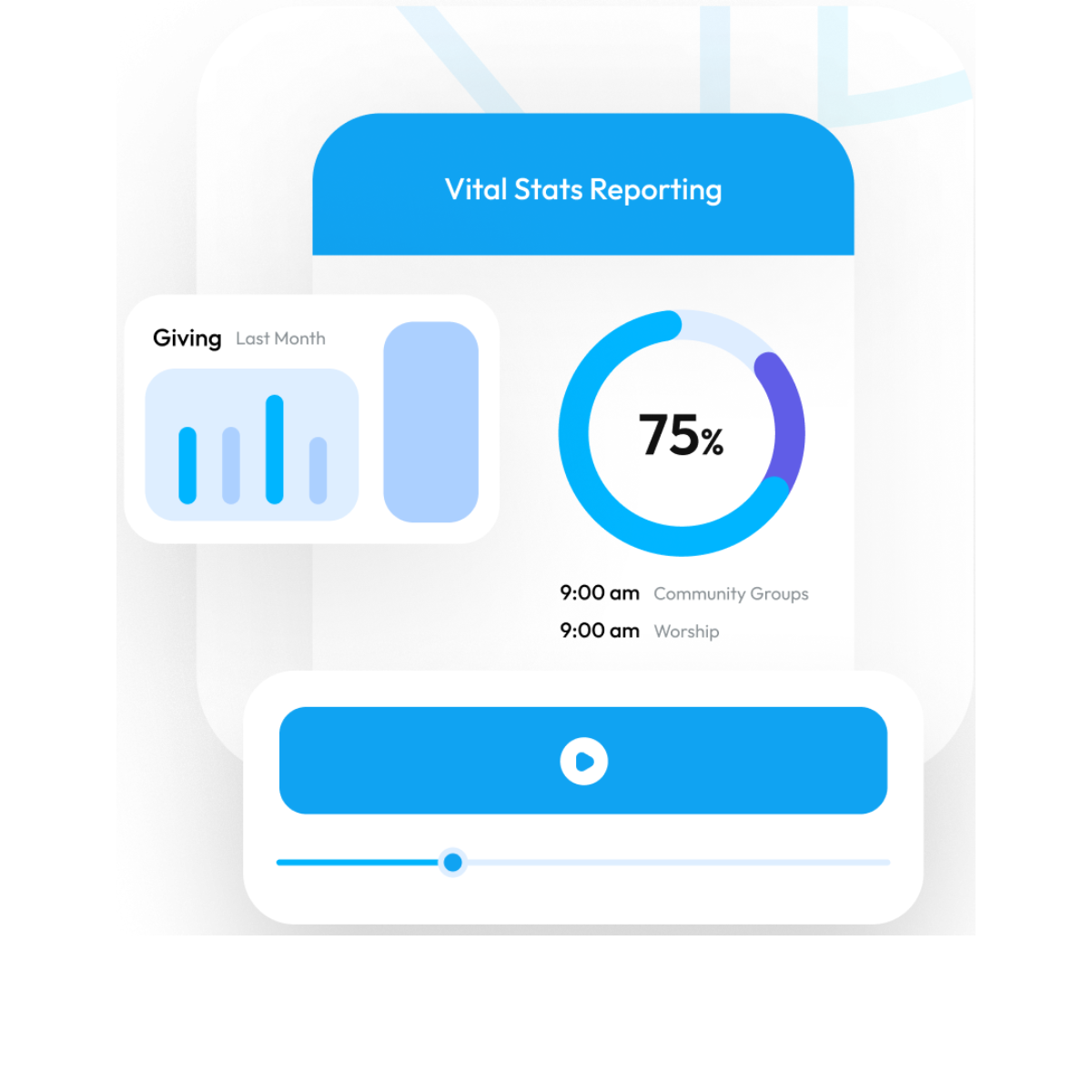
TouchPoint is built for large, structurally complex churches. The minimum price point reflects a platform designed for organizations with multiple campuses, large volunteer programs, and sophisticated pastoral care workflows.
Originally built for First Baptist Orlando, TouchPoint was purpose-designed for megachurch-scale operations. The open API and developer toolkit make deep customization possible for churches with technical staff. It integrates with online giving platforms, background check services, and communication systems. Churches that have outgrown every other option on this list typically land here.
Key features
Advanced CRM with pastoral care and follow-up tracking
Multi-site and multi-campus management
Volunteer management with background check integration
Small group and involvement tracking
Integrated online giving
Open API and full developer toolkit
#7. Aplos
Rating: 4.5/5 (Capterra) | Pricing: Three subscription tiers (Lite / Core / Advanced) | Priced above standard ChMS reflecting the combined accounting value
Best for: Churches that need nonprofit fund accounting alongside member management
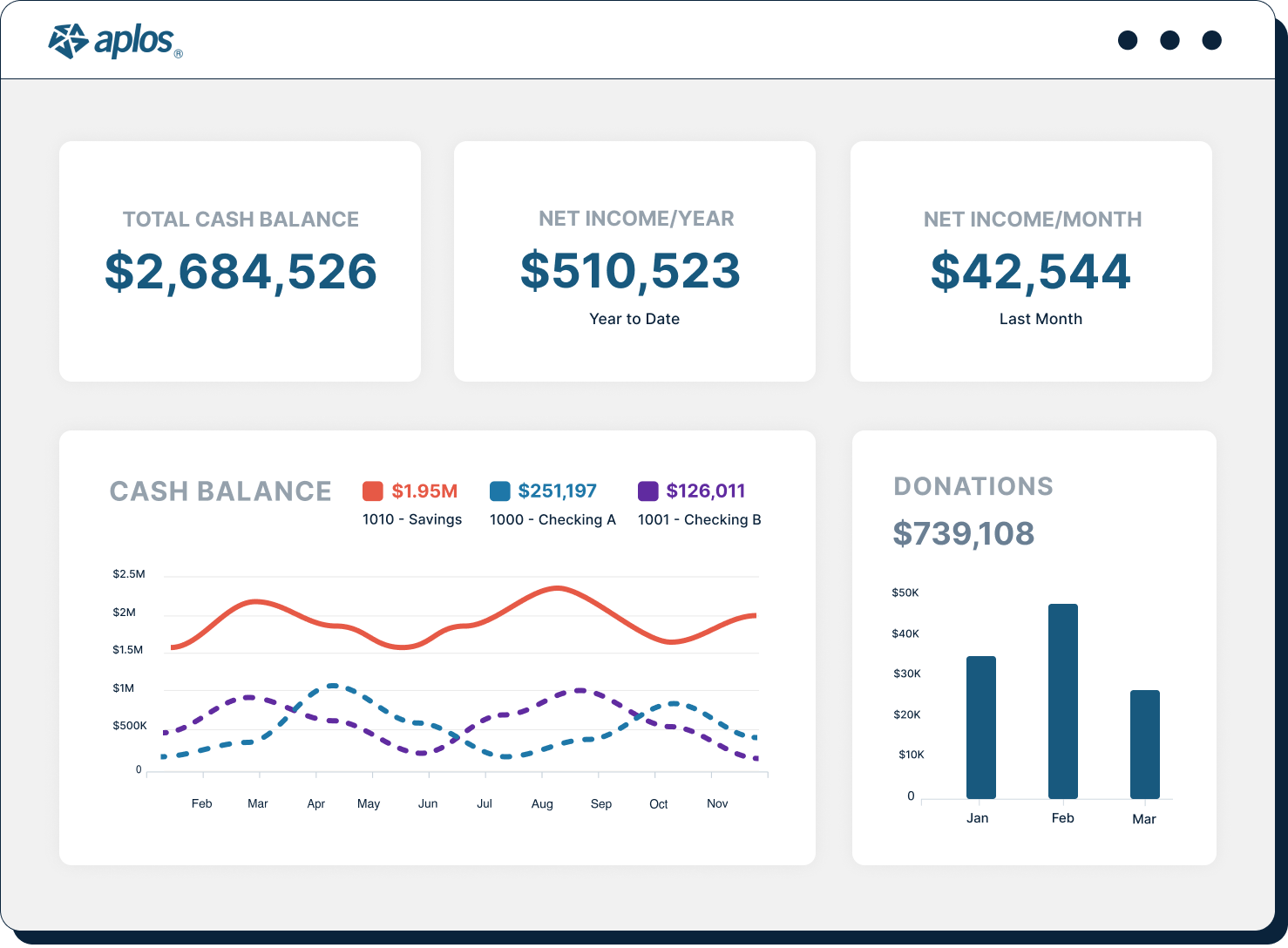
Aplos is the only platform on this list that combines a full nonprofit accounting system with church management tools in a single subscription. For churches that struggle to reconcile donor management with financial reporting, this is the only platform on this list that solves both in one subscription.
The fund accounting module handles restricted and unrestricted funds, budgeting, and financial statements that meet nonprofit audit standards. Church leaders who have tried to bolt QuickBooks onto a separate ChMS often find Aplos a cleaner long-term solution. The member management side covers donations, events, and communication, though it is less feature-rich than dedicated ChMS platforms.
Key features
Nonprofit fund accounting with audit-ready financial statements
Donation management and contribution statements
Member database and attendance tracking
Event registration and volunteer management
Online giving with recurring donation support
Budget tracking and financial reporting
#8. Subsplash
Rating: 4.7/5 (Capterra) | Pricing: Subscription bundle (Giving + App) | Contact for pricing
Best for: Churches prioritizing mobile app experience and media streaming
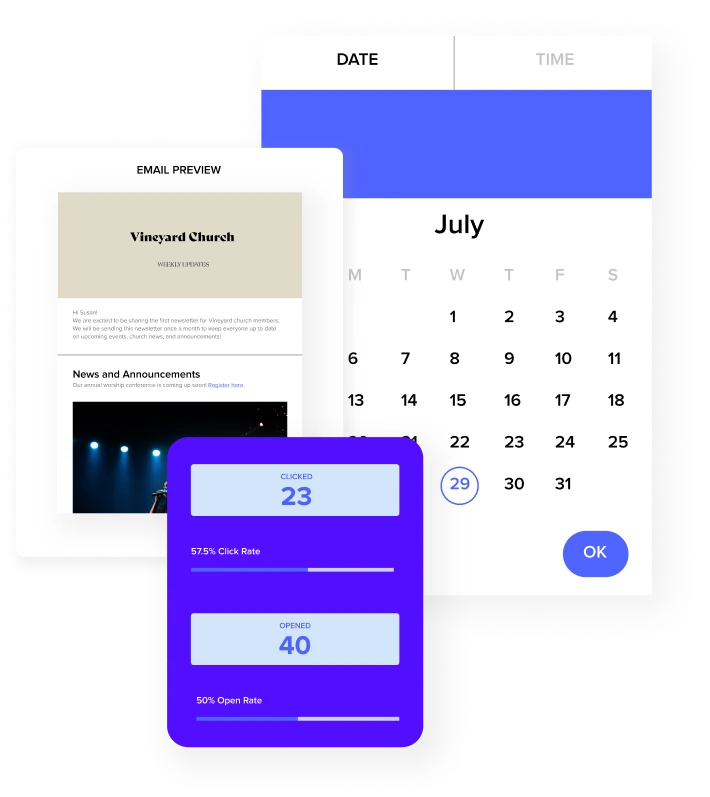
Subsplash is the leading platform for churches that want a branded mobile app. More than 20,000 churches use it to deliver sermons, manage giving, and engage their congregation through a custom iOS and Android app.
The platform bundles app creation, giving, website hosting, and media management into a single subscription. The sermon media library with live streaming integration makes Subsplash particularly strong for churches with active online audiences. It is less focused on back-office administration than other platforms on this list, but unmatched for engagement and media delivery.
Key features
Custom branded iOS and Android church app
Sermon media library with streaming support
Online giving with recurring donations
Website builder included
Push notifications and engagement tools
Live streaming integration
#9. Servant Keeper
Rating: 4.6/5 (Capterra) | Pricing: Annual flat-rate subscription | Tiers by congregation size | Enterprise pricing available
Best for: Small and mid-size churches that prefer annual flat-rate pricing
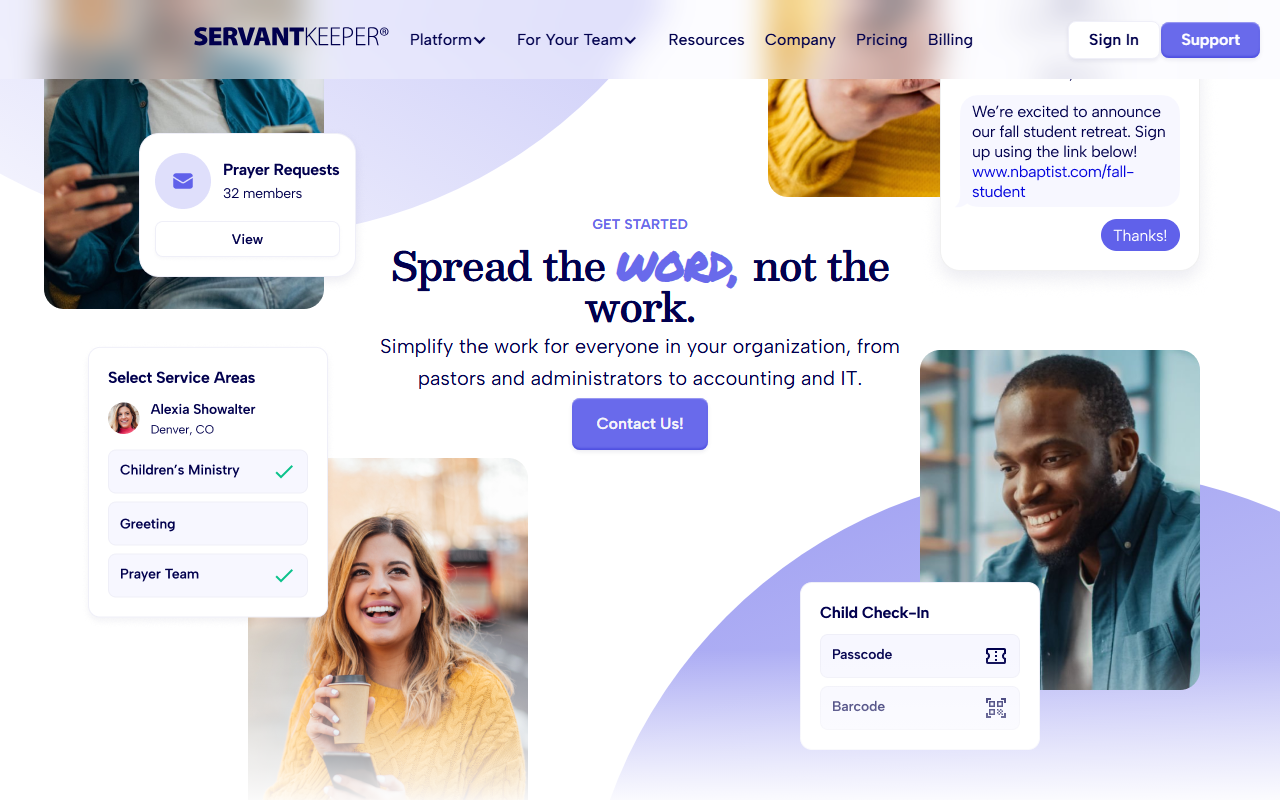
Servant Keeper has served churches for over 30 years. Its annual pricing model appeals to congregations that want predictable budgeting, and the platform covers all essential member management functions with a depth that newer platforms often lack.
The interface is more traditional than newer entries on this list, but the member tracking feature depth is extensive. Churches that have used Servant Keeper for years tend to stay because of the quality of its reporting and the responsiveness of its support team. It lacks newer engagement features like custom mobile apps or live streaming but remains a reliable core administration platform.
Key features
Member profiles with extended family records
Attendance tracking with customizable service definitions
Giving records and contribution statements
Volunteer management with skills and availability tracking
Mail merge and communication tools
Full reporting suite and data export
#10. Pushpay
Rating: 4.6/5 (Capterra) | Pricing: Custom pricing | Contact for quote
Best for: Large churches focused on digital giving, donor analytics, and online engagement
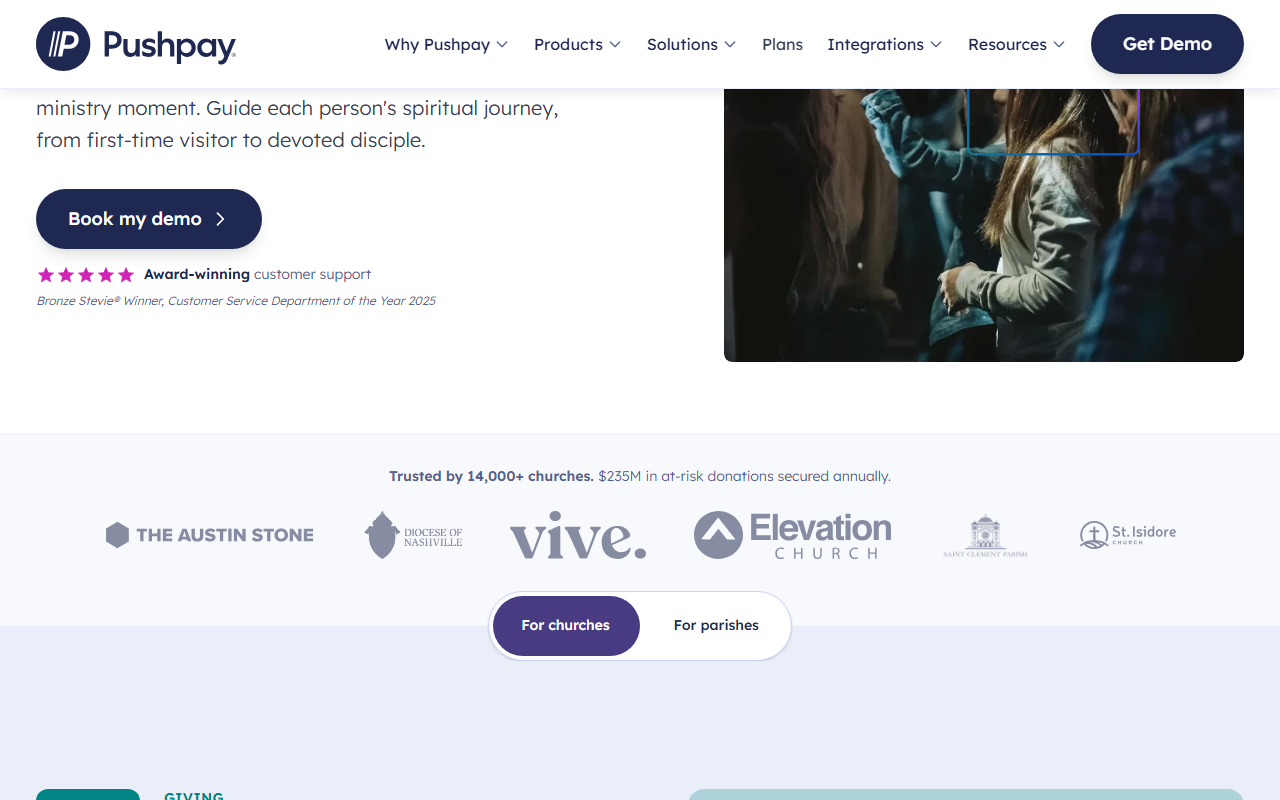
Pushpay is best known as a digital giving platform, but following its acquisition of Church Community Builder (CCB), it now offers a full ChMS suite. It is the strongest platform on this list for churches that treat donor engagement as a strategic priority.
The giving tools are the most sophisticated here: donor analytics, campaign management, pledging, and text-to-give are all built into the core product rather than bolted on. The CCB acquisition brought member management, group tracking, and volunteer tools into the same platform. Large churches with professional development staff will get the most value from Pushpay's analytics and engagement capabilities.
Key features
Digital giving with donor analytics and campaign tools
Text-to-give and mobile giving
Church Community Builder (CCB) member database
Group management and volunteer tracking
Custom church mobile app
Event management and family check-in
How to Choose
The right platform depends on congregation size, budget, and ministry priorities. For most small and growing churches, ChMeetings offers the strongest combination of functionality and accessibility, particularly where multilingual support or a free entry point matters. Churches with more complex needs, including multiple campuses, dedicated fund accounting, or a strategic focus on digital giving, will find better fits further down the list in Realm, TouchPoint, or Pushpay.
Start with a free trial where available. Most platforms on this list offer 30-day trials with full feature access. Pay close attention to the onboarding process: the best software is the one your team will actually use consistently.